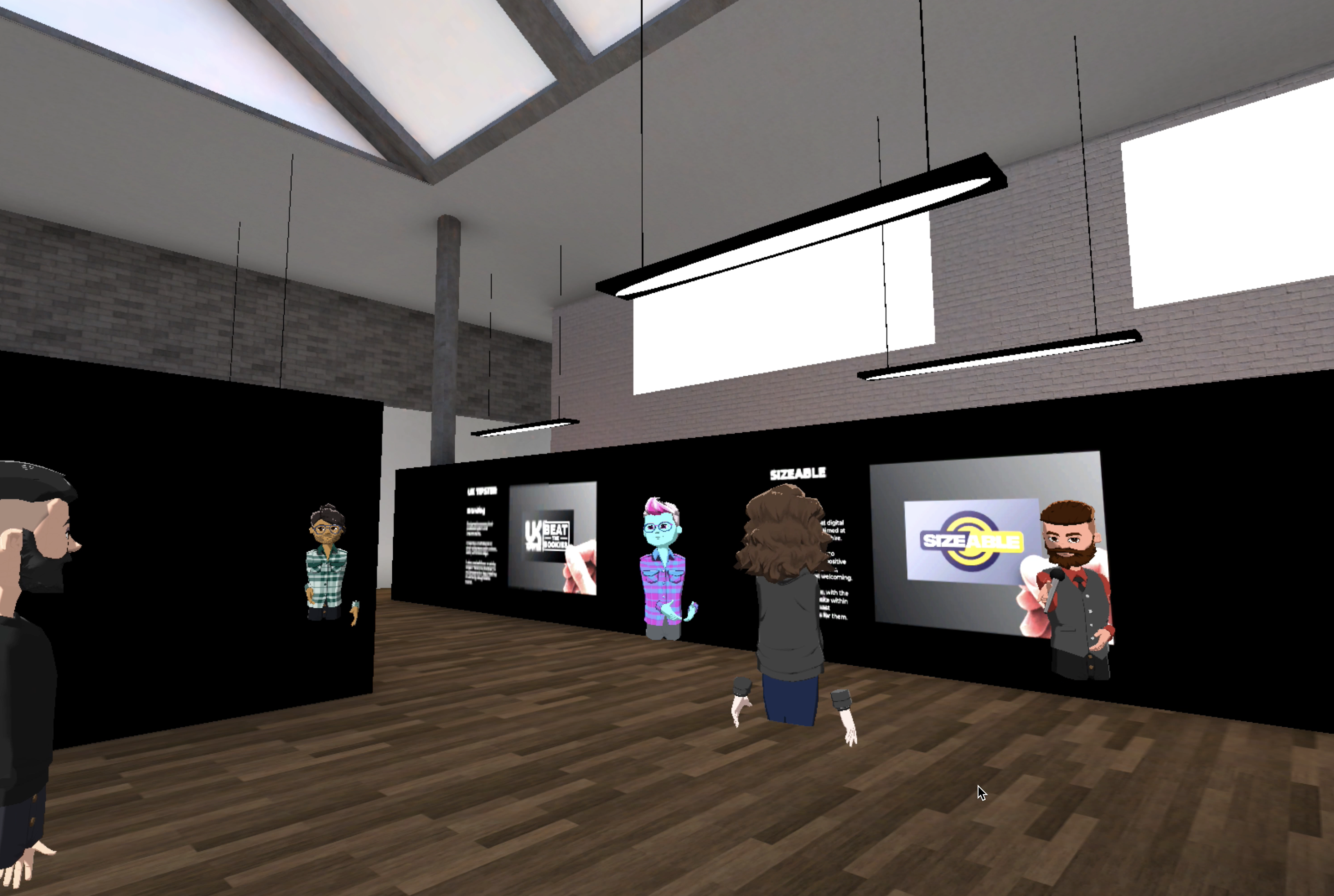
Virtual Reality Exhibition
May 25, 2021
Project SUMMARY
Picky Designs Exhibition
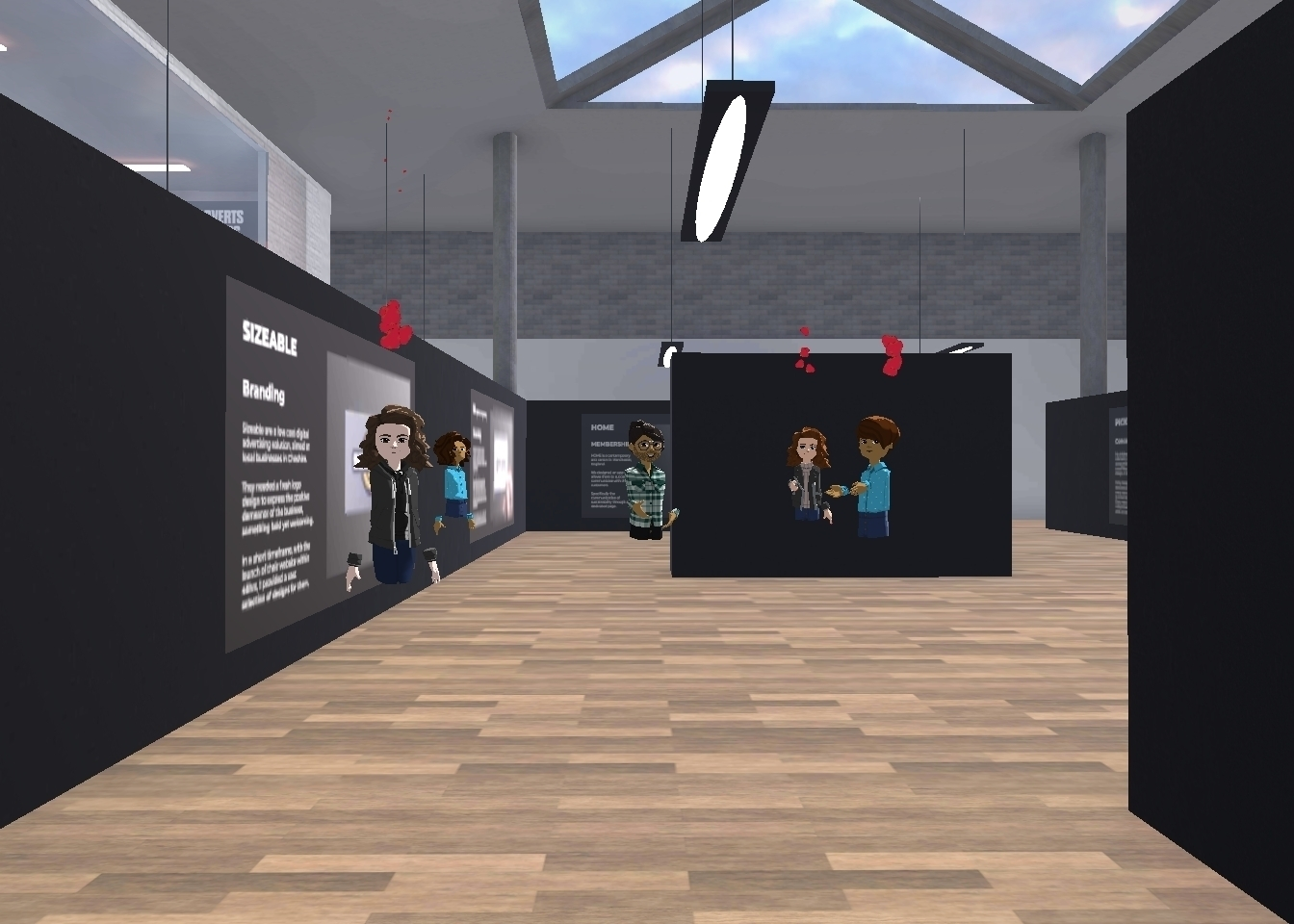
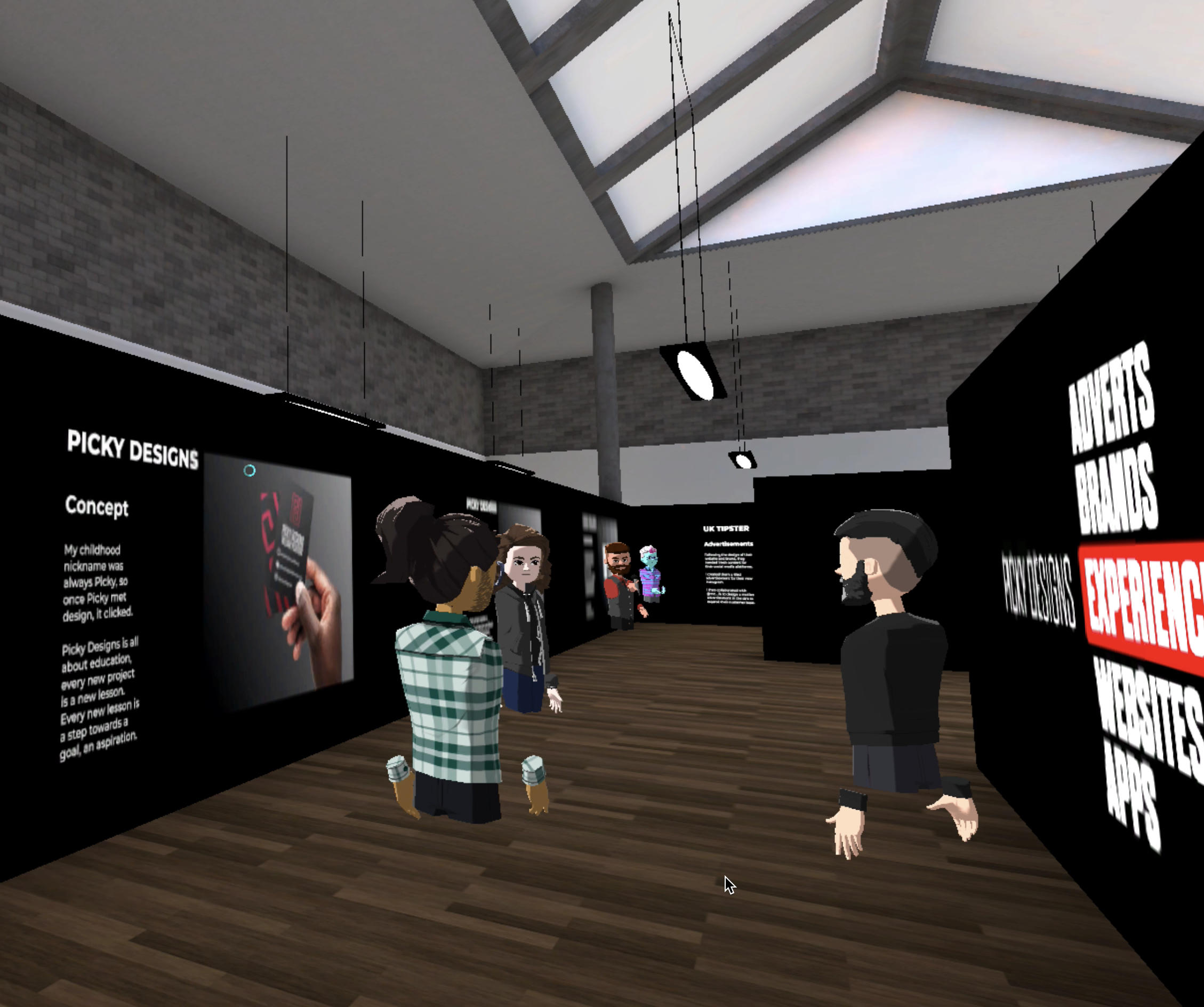
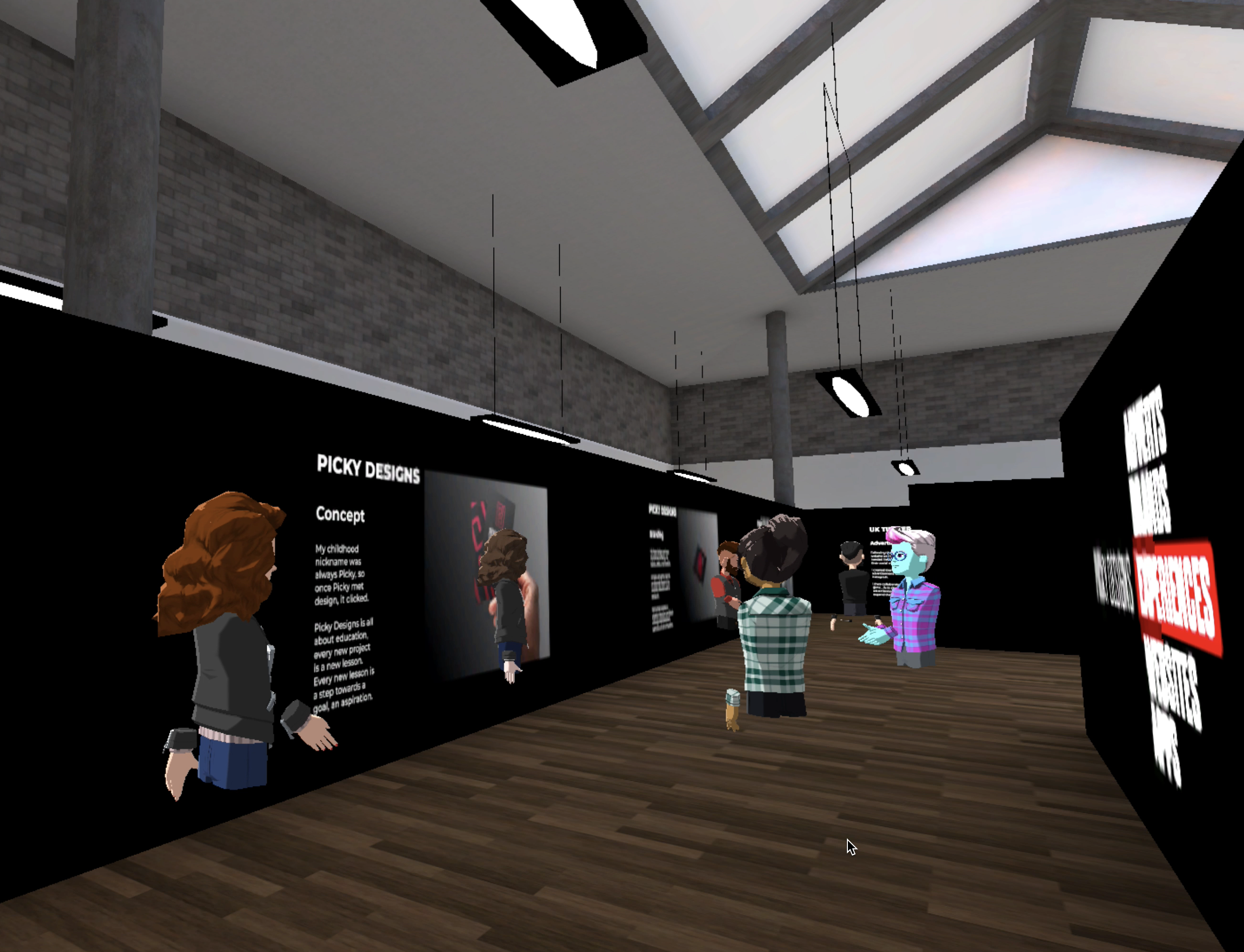
This exhibition showcases my work from a new and exciting angle, taking Picky Designs to a whole new level. The exhibition space was specifically designed with the Picky Designs 'PD' at the heart of it, truly branding the 3D environment. Virtual Reality taking the viewing experience of a portfolio where few have been before. Below you can find the exhibition viewing methods and content from my launch event.
Viewing in VR
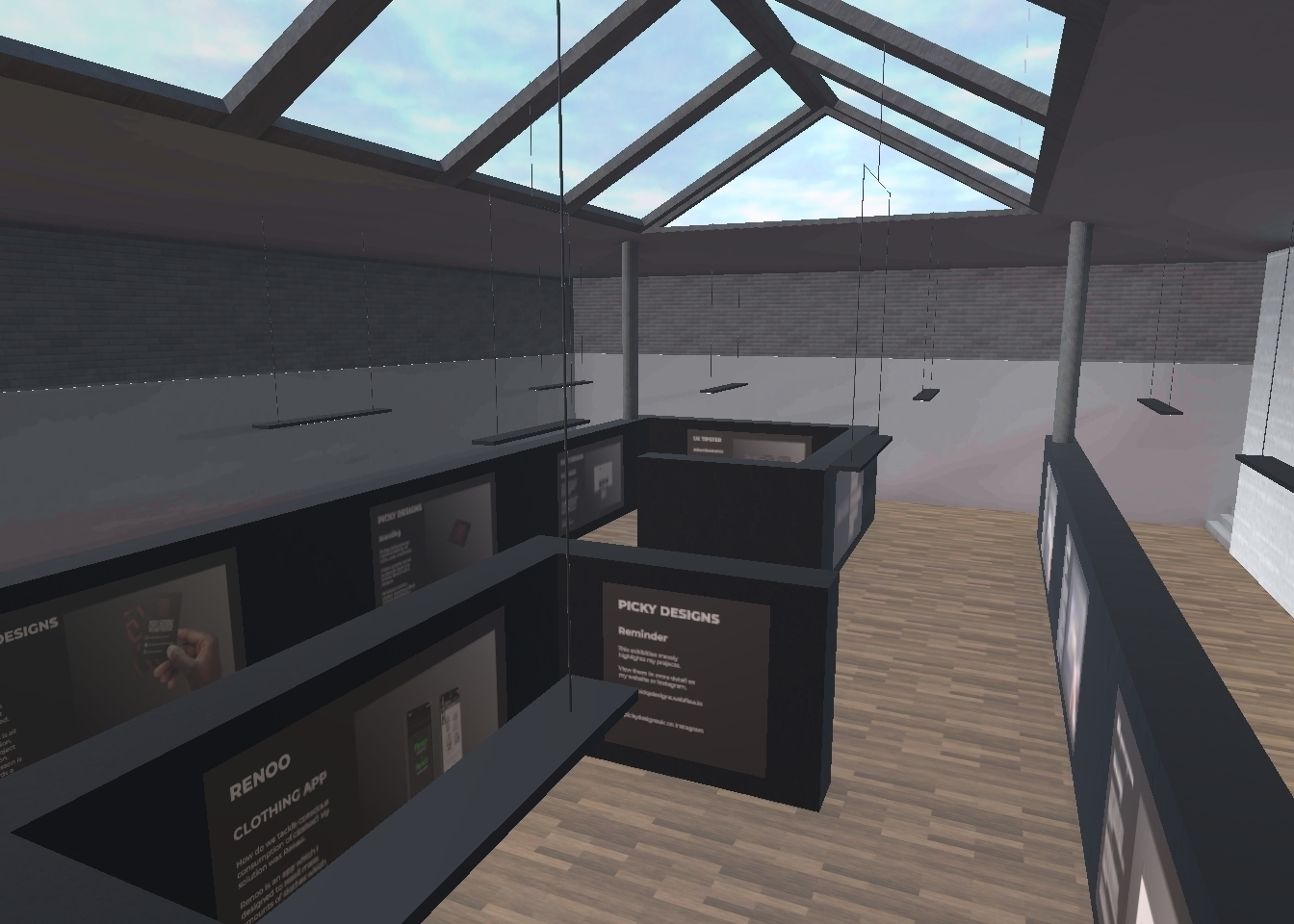
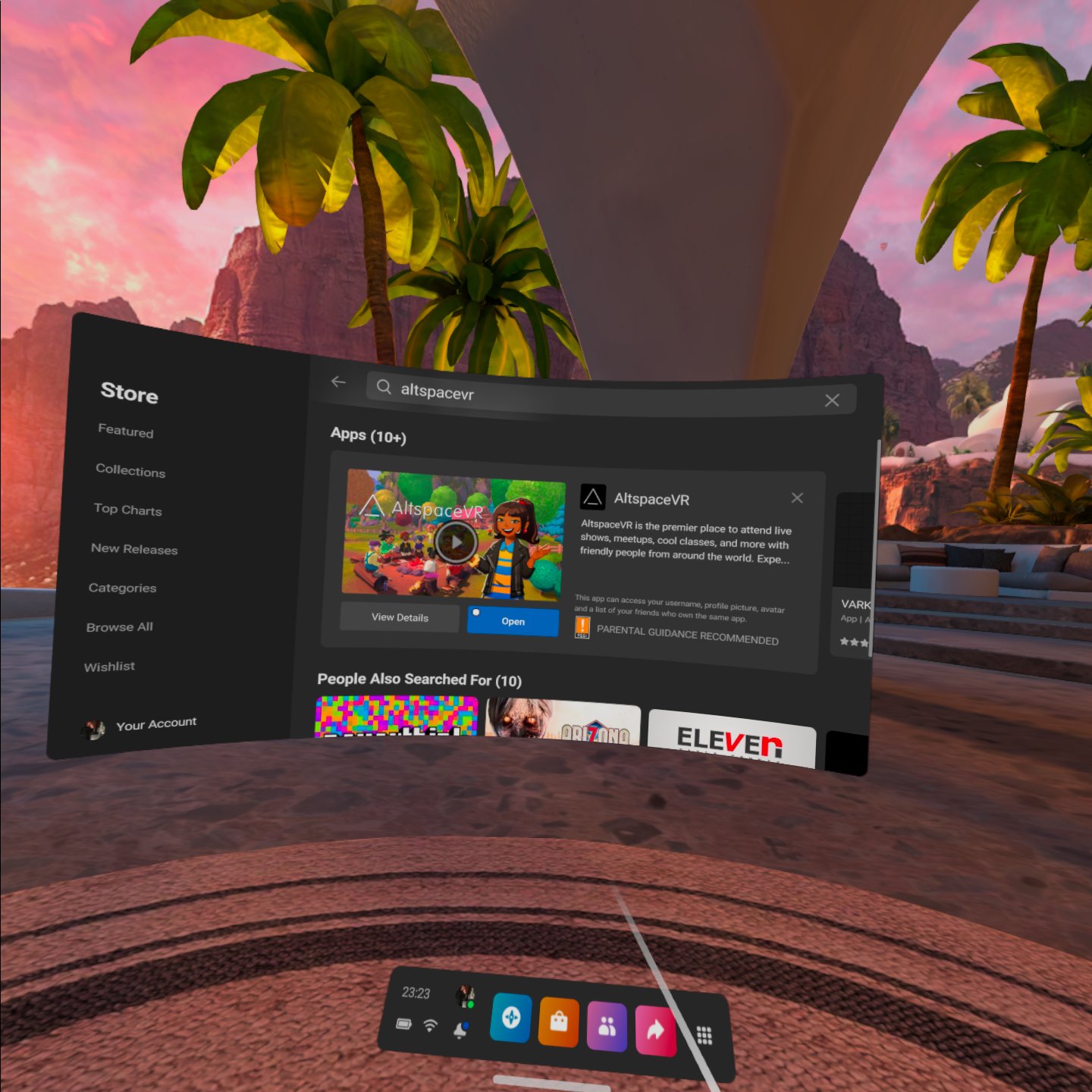
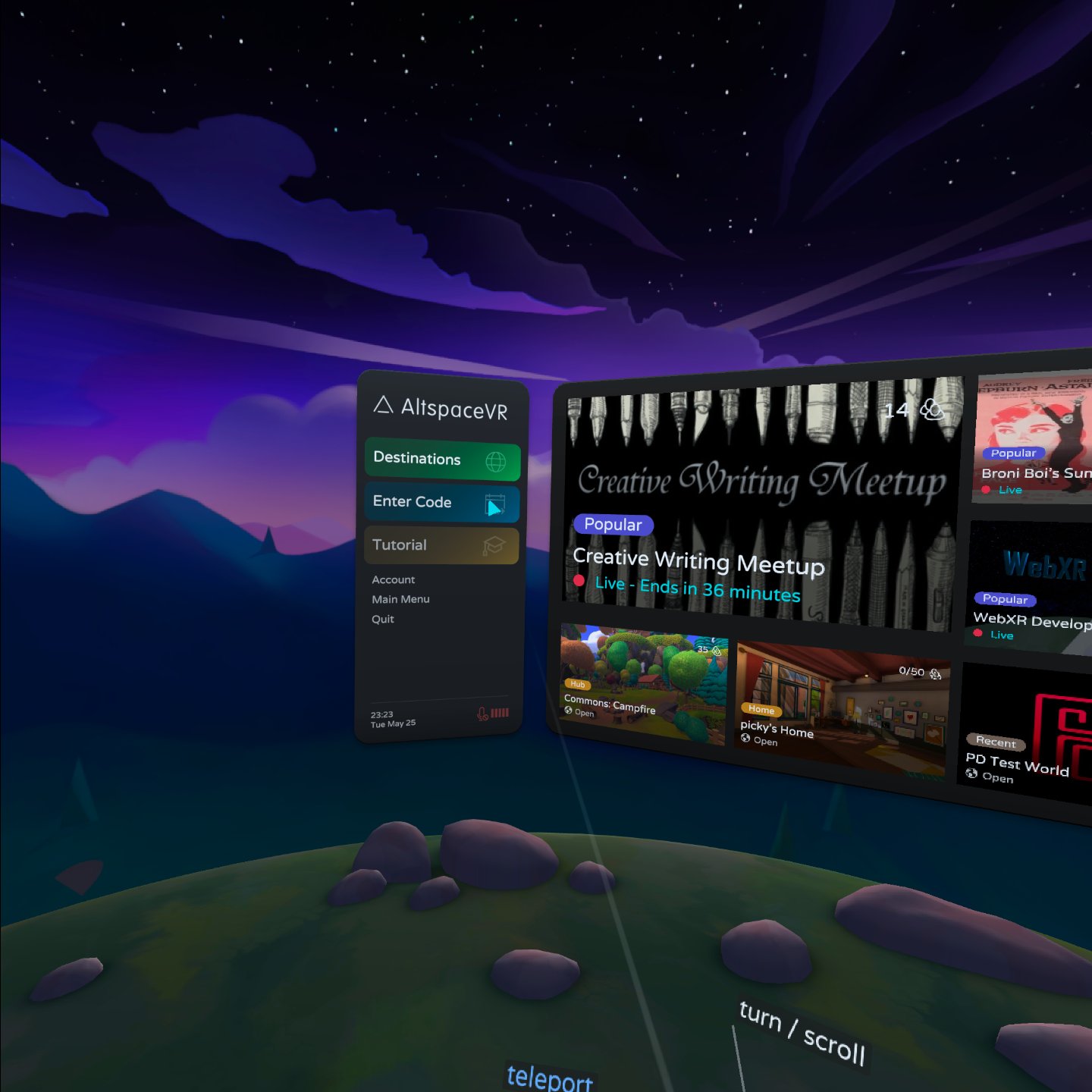
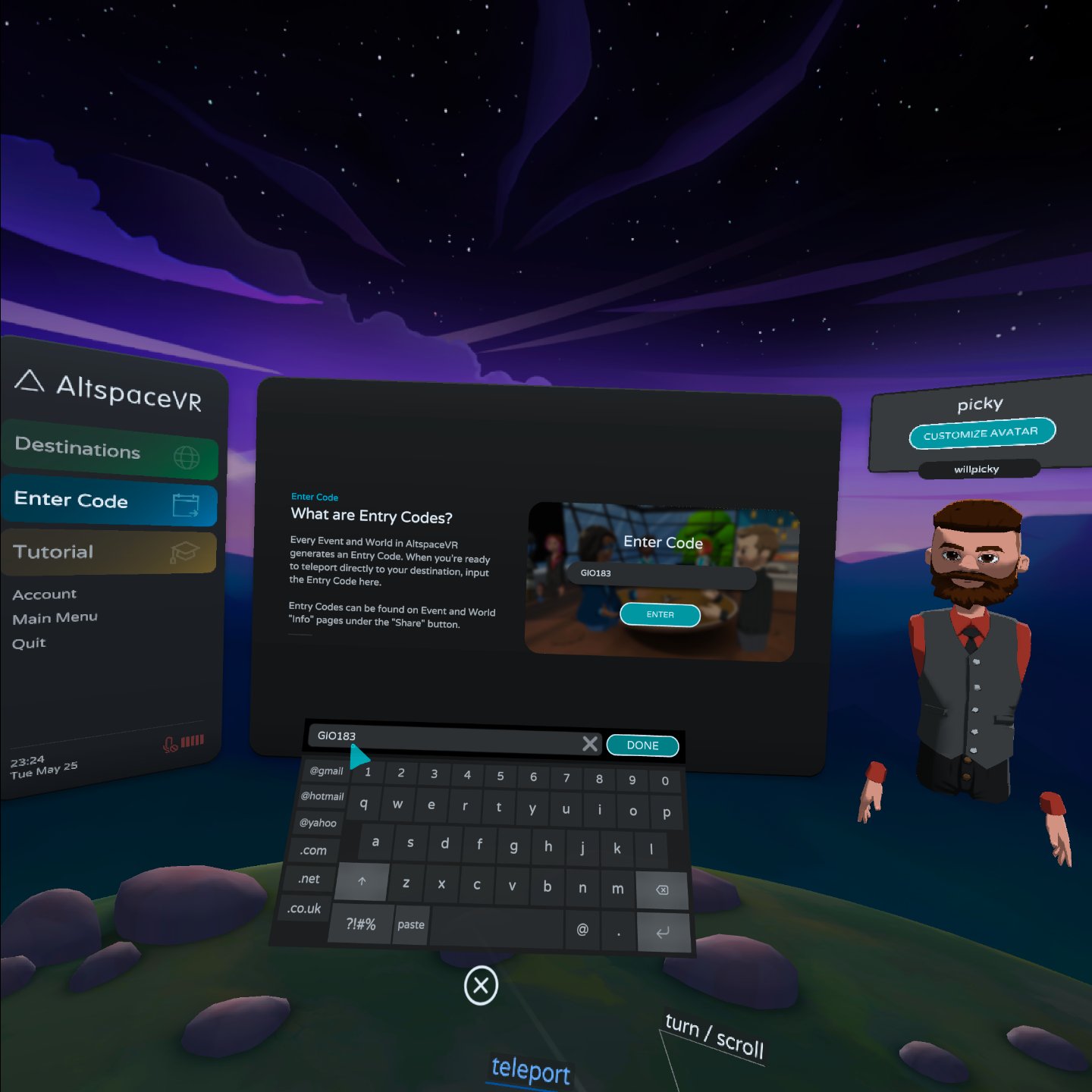
To view my environment in Virtual Reality, you need a VR headset. If you have one then follow these steps: 1. Jump into your headset and download Alt Space VR. 2. Once downloaded, log on and create an account. 3. When you've created an account, head to the dashboard and select 'Enter Code'. (on the left of the screen) 4. Enter code GIO183 and then enter the world. 5. Explore and enjoy!!
Viewing on YouTube

You have two viewing options: - Recorded in VR - Recorded on PC Best viewing experience is recorded on VR. Caution some may experience motion sickness watching the VR version.
Exhibition Launch
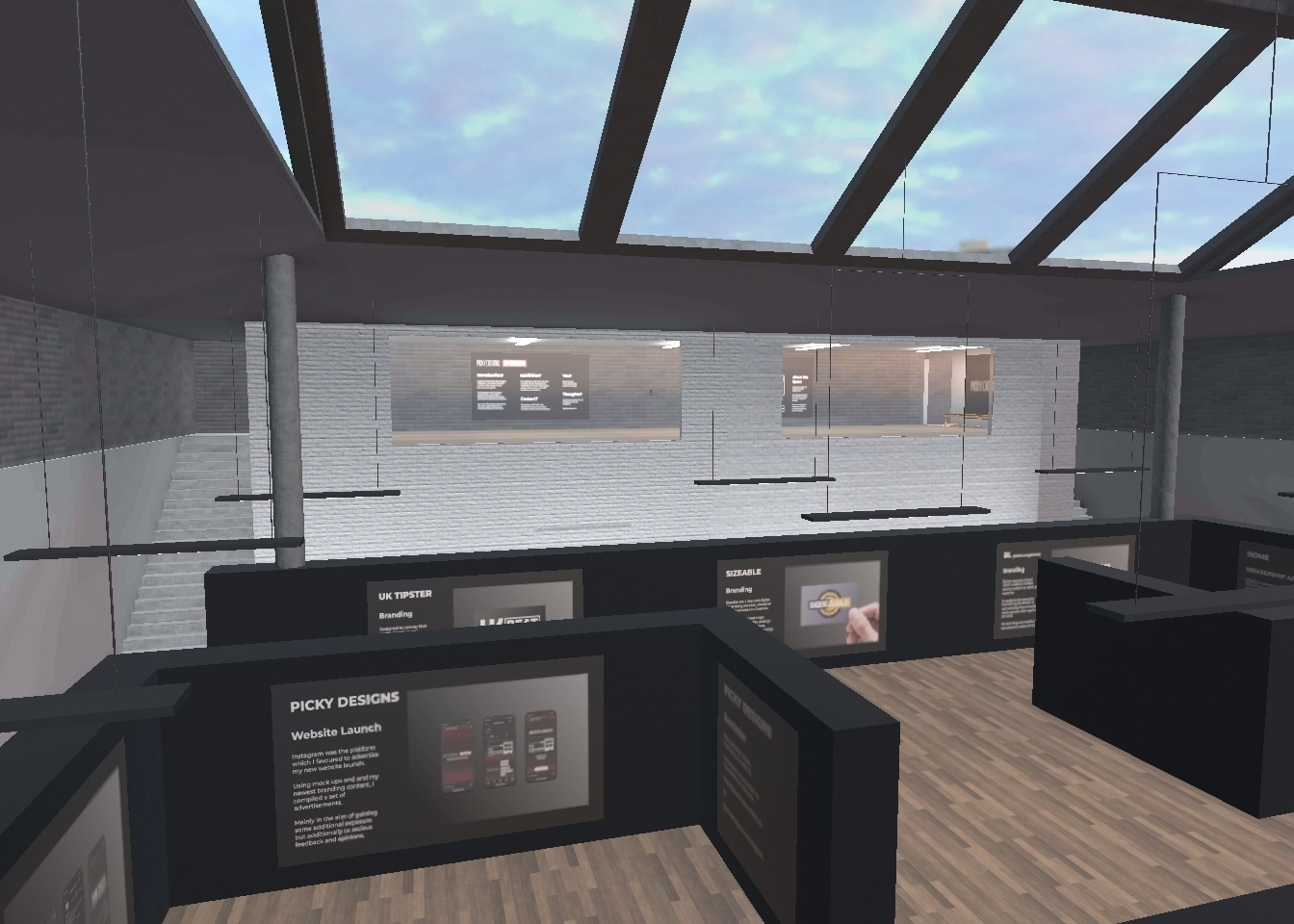
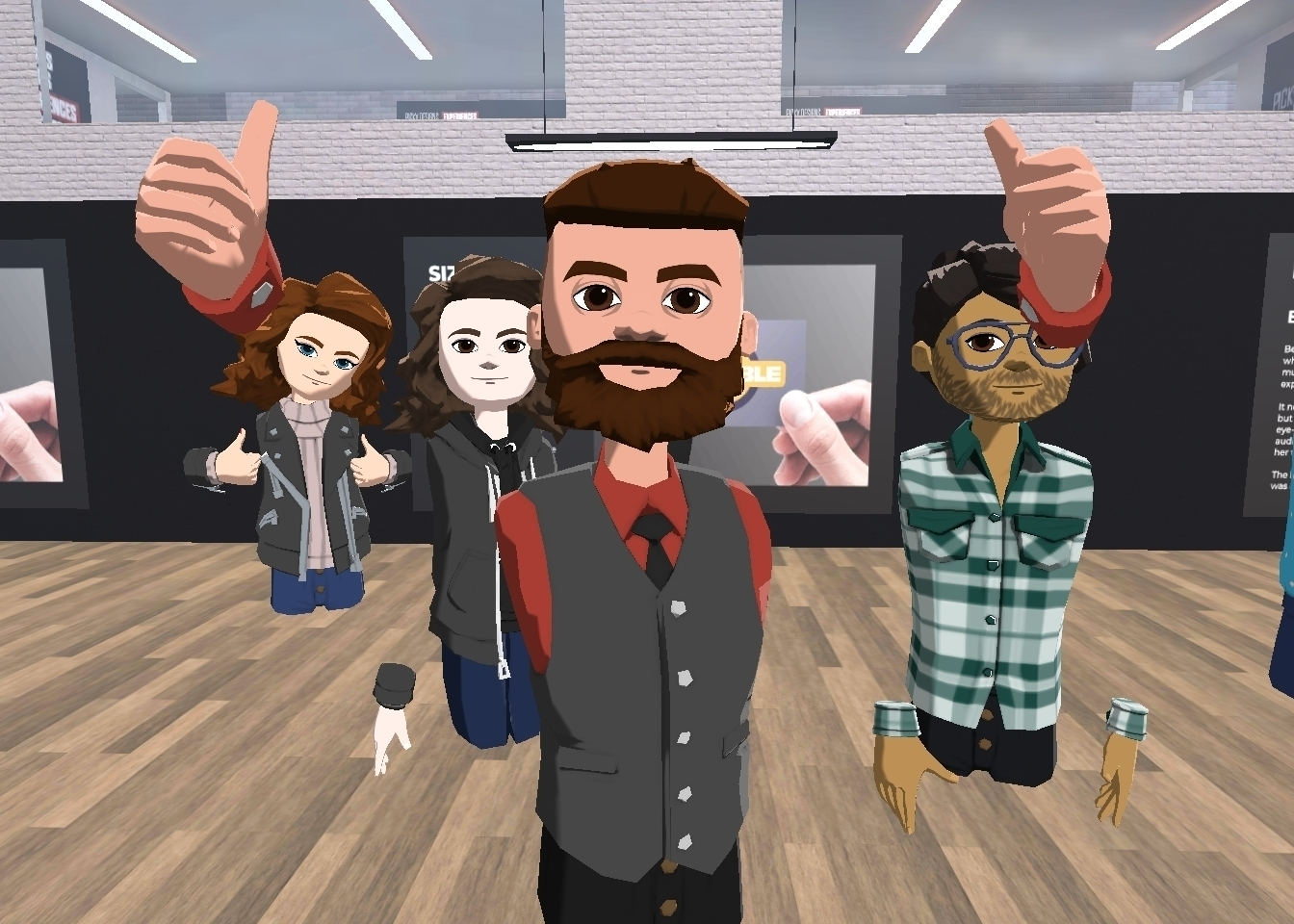
The VR exhibition was launched on the 25/05/21 via an Alt Space event. I welcomed friends, family, and colleagues to the experience along with a dozen other Alt Space users whom joined the public event. The launch event was a perfect opportunity to showcase the potential of my chosen platforms for my university project.